Introducing Micro for Desktop
Micro is now a Mac app. Download it, keep it in your dock, and get native notifications when chat or automations finish.
Brett Goldstein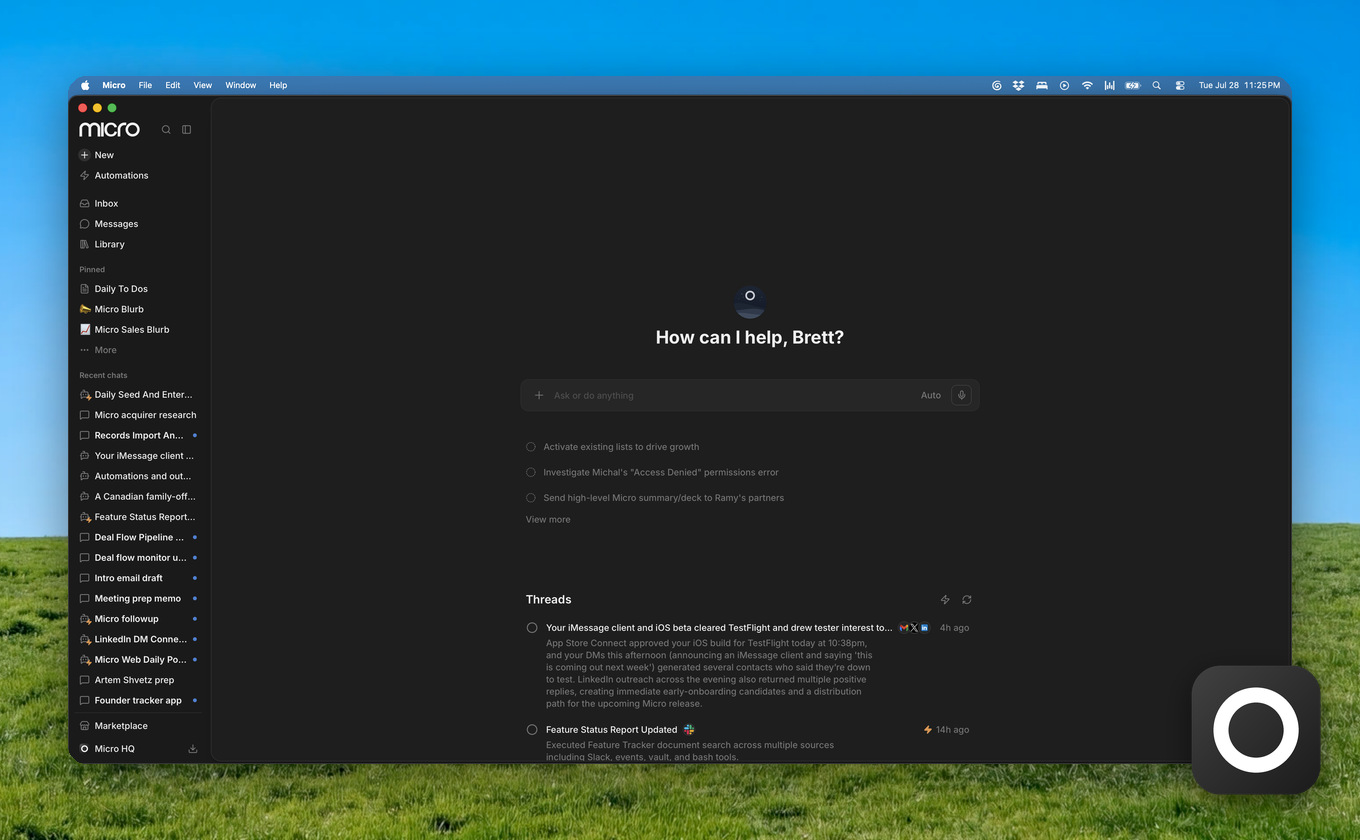
Micro is now a Mac app.
Same product, same data, in a window you can keep in your dock. Download it from the sidebar download menu → Desktop. Apple Silicon for now.
The immediate win is notifications. When an AI chat finishes or an automation completes, you get a native Mac notification. Click it and you land back on that thread. Agents that take a few minutes are a lot more useful when you don't have to sit and watch them run.
The bigger reason we built it: a browser tab can't see your screen, read local files, capture system audio, or listen for a global hotkey. A desktop app can. Everything below depends on that.
What's coming next
- iMessage. Your Messages inside Micro, with triage and draft replies that match how you actually text. It reads Messages locally on your Mac.
- Meeting note-taker. Meetings captured by the app itself instead of a bot joining the call, with notes landing on the right person, company, and deal. (Like Granola.)
- Voice dictation. Hold a key, talk, get text in whatever app you're in. Email, Slack, docs, not just Micro. (Like Wispr Flow.)
- Desktop assistant. A hotkey assistant that can see your screen, so you can ask about what you're looking at instead of copying it into a chat first. (Like Clicky.)
- Screenshot memory. Micro remembers what was on your screen during the day, so you can ask what that pricing page said or who you were reviewing this morning. Paired with your email, calendar, and CRM, this is the piece that makes an agent actually know your context. (Like Rewind.)
We'll ship these as they land.
A cleaner left nav
The sidebar is rebuilt too. It's a narrow rail now, and clicking a section opens a second column next to it instead of pushing everything around. Chats sit at the top because that's what people actually use most.
The icons animate when you hover them. The awning lifts off the store. A letter rises out of the inbox. Typing dots pop into Messages. It's a small thing that took an embarrassing amount of time.
If you're on a Mac, download the app and try it.