Inbox Search, the Free Plan, and Files in Chat
Search across connected mailboxes with useful filters, start on Micro without a card, and bring text and code files directly into chat.
Brett GoldsteinAugust 14, 2026
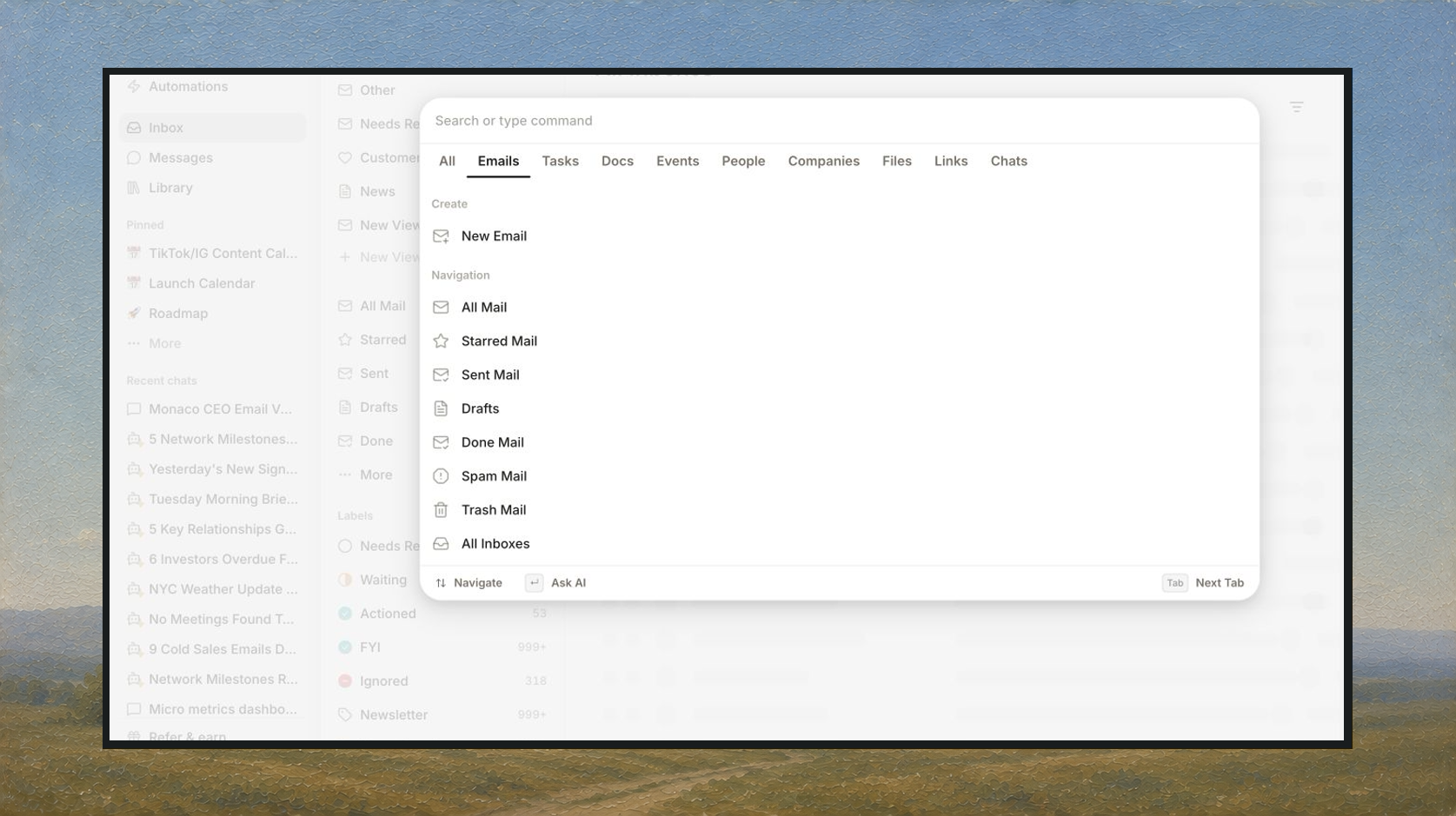
Inbox search covers more of your email, new accounts can start without a card, and chat can work directly with more file types.
Search The Whole Inbox
Inbox has a full-page search across connected mailboxes. Use familiar filters for sender, recipient, subject, date, and excluded words without giving up the underlying search query.
Recent people are easier to pick, and filtered searches remain editable and shareable.
Start On The Free Plan
New accounts can get into Micro without entering a card. When a trial ends, you can continue on the Free plan instead of running into a hard paywall.
Billing now shows the current plan, credit usage, reset timing, and relevant limits more clearly. When a paid feature is unavailable, Micro points to the next useful option instead of sending you out of the app.
Bring More Files Into Chat
Upload text and code files directly to chat. Micro keeps recognizable file extensions, makes failed uploads retryable, and handles several pasted or dropped files more predictably.
Documents created in chat can open in an editable side panel, while email attachments are easier to find from Library.
More Improvements
- For You is now the default Home experience
- Favorites are now Pins, and you can drag them into the order you want
- Kanban cards are simpler, and column order holds when a column moves to the front
- New chats appear in navigation immediately
- Library has a dedicated filter for Lists
- You can name a saved AI output before publishing it
- LinkedIn is offered during onboarding when it is available to connect
- Model controls explain when Micro has switched to Fast because credits ran out
Bug Fixes
- Reply draft autosave no longer replaces text you just typed
- Email searches keep their filters and recover more clearly from temporary failures
- LinkedIn reconnects are steadier, reply drafts stay fresh, and group participants display correctly
- Chat responses no longer disappear when a completed response arrives without duplicate text
- Today's Kanban view no longer crashes while loading its page context
- Billing charts and usage history display dates and empty states more reliably