Home, One Library, and Better Email Drafts
A more useful Home brings updates and your calendar together, Library keeps more of your work in one place, and email attachments stay with saved drafts.
Brett GoldsteinAugust 7, 2026
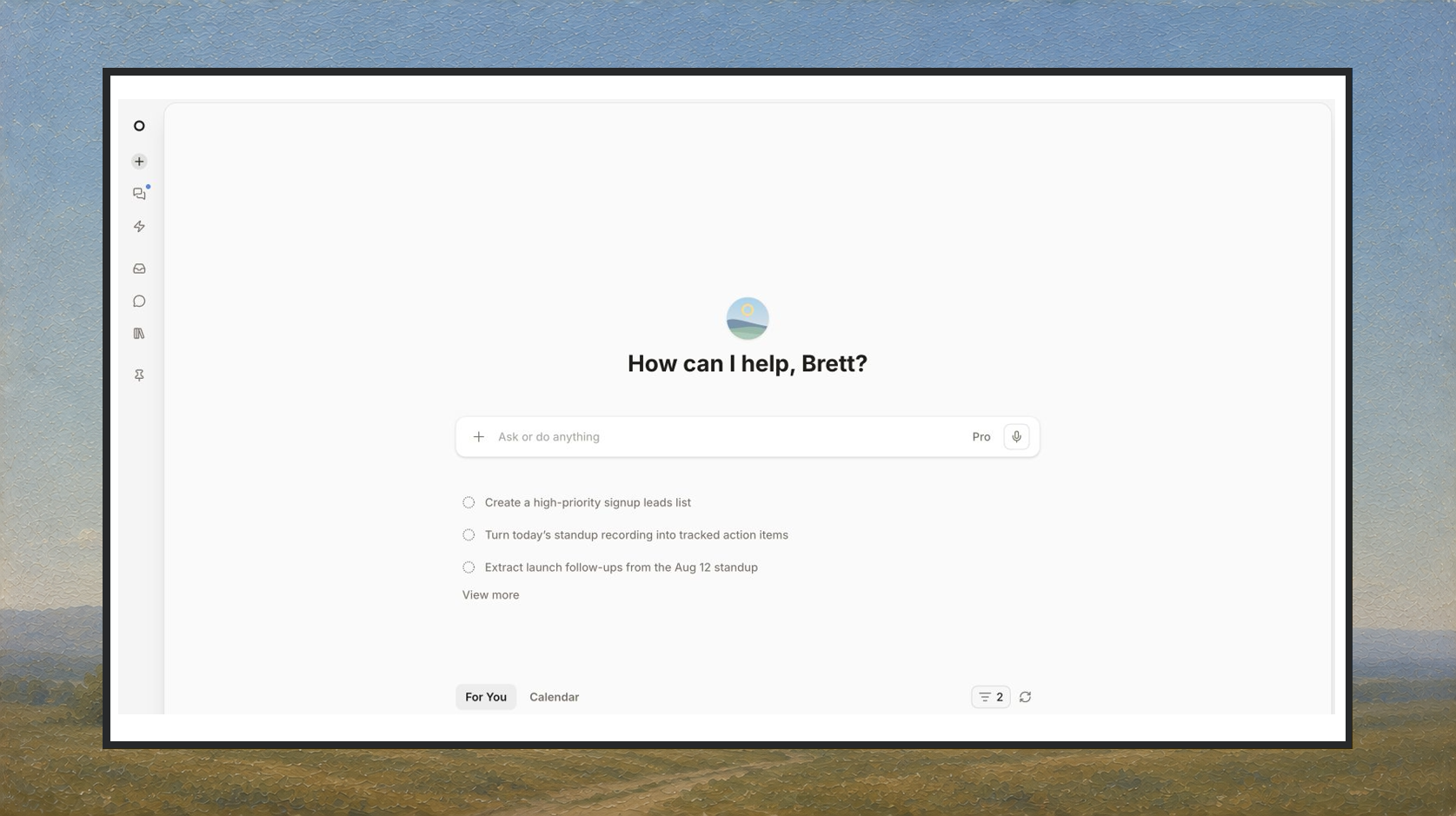
Home has more of what needs your attention, Library keeps more of what you make, and email drafts hold onto their files.
A More Useful Home
Home now brings your For You feed and Calendar together. Updates from Micro, completed automations, meetings, and messages can all show up in one place, so it is easier to see what changed and decide what to do next.
Messages that need a response are easier to spot, and the feed keeps conversations you have already engaged with in view instead of dropping them too early.
One Library For Everything You Make
Library has a cleaner home for documents, saved AI outputs, files, media, data, and lists. Shared work has clearer controls and cards, and saved outputs are easier to reopen after the original chat is over.
Email Drafts Keep Their Attachments
Drag, drop, or paste files into an email composer. Attachments now stay with saved drafts and return when you reopen them, so you can leave a message unfinished without rebuilding it later.
More Improvements
- Onboarding recommends a starter pack based on how you plan to use Micro
- Inbox labels show unread counts in the sidebar
- Solo workspaces get a clearer invitation to add a teammate
- Select filters now support Is empty and Is not empty
- Micro for iPhone can switch between connected mailboxes and send from the right account
- Charts, tables, and formatted responses render more cleanly on iPhone
Bug Fixes
- Long chat responses keep working when you navigate somewhere else
- Interrupted work no longer appears as completed
- Reply attachment chips remain visible after a message sends
- Library previews recover more cleanly when an output cannot load
- Connecting or reconnecting an account is less likely to get stuck between browser tabs
- Onboarding recovers more reliably when Gmail is skipped